

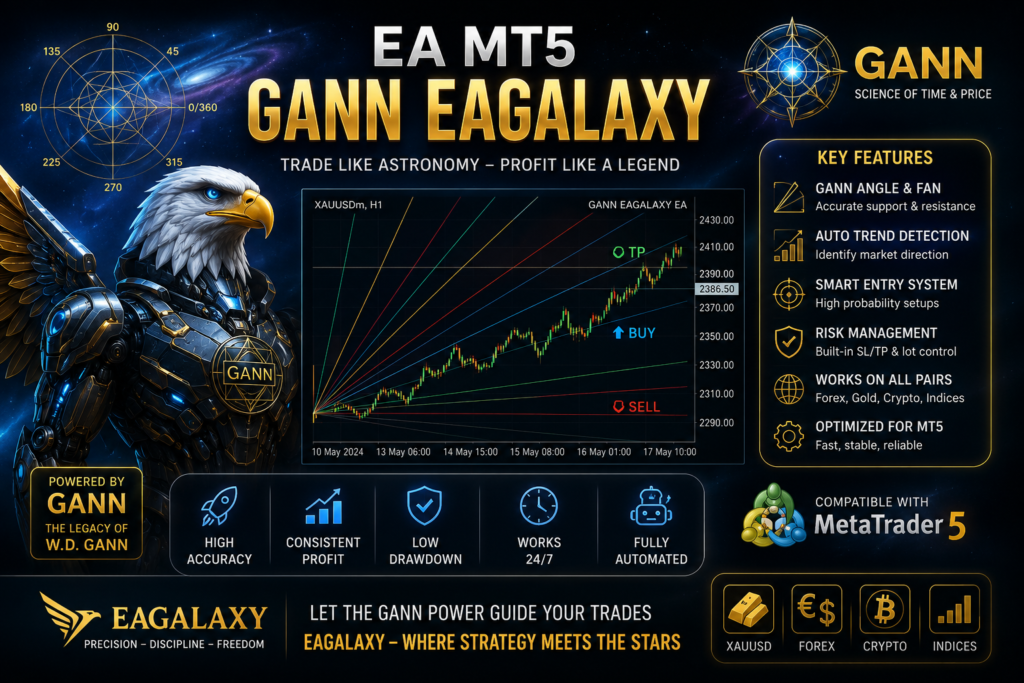
Gann EAGALAXY EA
Strategy: Gann Angle + EMA Trend + ATR Filter + DCA + Hedge + Basket TP
1 Quick Setup & WebRequest Configuration
To enable full EA functionality and WebRequest features in MetaTrader 5, follow these steps:
- Open MetaTrader 5.
- Go to the top menu: Tools > Options (or press Ctrl + O).
- Select the Expert Advisors tab.
- Tick the checkbox for Allow WebRequest for listed URL.
- Add the following URL:
https://script.google.com - Click OK to confirm.
2 System Overview
Gann EAGALAXY is an automated trading system specifically designed for Gold (XAUUSD) on the MetaTrader 5 platform. The EA integrates a robust 3-layer signal filtering system: Gann Angles calculated from Swing High/Low points, trend confirmation via EMA 20/50, and volatility assessment using the ATR indicator.
The order management strategy utilizes Dollar Cost Averaging (DCA) at specific Gann levels, a protective Hedge mechanism for prolonged sequences, and a unified Basket Take Profit (Basket TP). All calculations are strictly executed on CLOSED CANDLES to eliminate signal repainting.
| Parameter | Value | Description | Recommendation |
|---|---|---|---|
| EA Name | Gann EAGALAXY | Program identifier (Anti-rename protected) | Keep the original file name |
| MagicNumber | 12345 | Primary magic number for identification | 12345 |
| Telegram Channel | https://t.me/boteafxdotcom | Official Community Channel | |
| Official Website | eagalaxy.net | Copyright & EA Updates | |
| Version | 1.00 | Current release version | 1.00 |
| Symbol | XAUUSD (Gold) | Target financial instrument | XAUUSD |
| Timeframe | M15 / H1 | Recommended chart timeframe | M15 or H1 |
| Account Type | HEDGING | Mandatory account requirement | Open a Hedging Account |
3 Operational Principles & Trade Signals
BUY Signal Conditions
- Close price of previous candle crosses UP through Gann 1×1 Up line (
close[2] ≤ 1x1&close[1] > 1x1). - Uptrend confirmed: EMA20 > EMA50.
- Volatility filter: ATR ≥ MinATRPips.
- Spread limit: Spread ≤ MaxSpreadPips.
- If
OneSignalOneCycle = true: New sequence only opens if no existing Buy sequence is active.
SELL Signal Conditions
- Close price of previous candle crosses DOWN through Gann 1×1 Down line (
close[2] ≥ 1x1&close[1] < 1x1). - Downtrend confirmed: EMA20 < EMA50.
- Volatility filter: ATR ≥ MinATRPips.
- Spread limit: Spread ≤ MaxSpreadPips.
- If
OneSignalOneCycle = true: New sequence only opens if no existing Sell sequence is active.
3.3 DCA & Hedge Management
- DCA Modes: Supports
GANN_LEVEL(DCA entries at Gann 1×2, 1×4, followed by fixed steps),FIXED_STEP, orATR_STEP. - Hedge Mechanism: When orders reach the
HedgeAfterOrdersthreshold, EA opens 1 opposite Hedge position with volume equal toHedgePercentof total sequence lot size. - Basket TP: Closes the entire order basket when target profit is achieved, based on Money ($), Pips, or Gann Return status.
4 Detailed Configuration Parameters
| Parameter | Default Value | Description | Recommendation |
|---|---|---|---|
| A. MAIN ORDER MANAGEMENT | |||
| FirstLot | 0.01 | Initial trade lot size | 0.01 per $300-$500 balance |
| UseAutoLot | false | Dynamic lot sizing based on risk % | false |
| RiskPercent | 1.0 | Risk percentage when AutoLot is true | 0.5 – 1.0 |
| MagicNumber | 12345 | Primary magic number for identification | 12345 |
| TradeTimeframe | PERIOD_M15 | Chart timeframe for trading | M15 or H1 |
| MaxSpreadPips | 50 | Maximum allowable spread (in pips) | 30 – 50 |
| AllowBuy / AllowSell | true / true | Enable/Disable Buy or Sell directions | true / true |
| MaxOrdersPerSide | 10 | Maximum active orders per direction | 6 – 10 |
| OneSignalOneCycle | true | Restrict to 1 cycle per signal | true |
| B. GANN & EMA ALGORITHMS | |||
| LookbackBars | 100 | Bars used for Swing High/Low detection | 80 – 150 |
| UseATRForGannStep | true | Use ATR to calculate dynamic Gann steps | true |
| ATRPeriod | 14 | ATR indicator period | 14 |
| ManualGannStepPips | 100 | Manual Gann step size (if ATR is false) | 100 |
| MinATRPips | 100 | Minimum ATR threshold for entry | 80 – 150 |
| MaxSignalCandlePips | 500 | Maximum height of the signal candle | 400 – 600 |
| EMAFastPeriod / EMASlowPeriod | 20 / 50 | Fast and Slow EMA periods | 20 / 50 |
| C. DCA, BASKET TP & HEDGE CONFIGURATION | |||
| UseDCA / DCAMode | true / GANN_LEVEL | Enable DCA and select strategy mode | GANN_LEVEL / ATR_STEP |
| FixedStepPips | 150 | Fixed distance for DCA entries | 150 – 300 |
| Multiplier | 1.5 | Lot size multiplier for DCA orders | 1.3 – 1.6 |
| MaxLot | 1.0 | Maximum lot size ceiling per order | Adjust to balance |
| UseBasketTP / BasketTPMoney | true / 20.0 | Enable Basket TP and set Target (USD) | Adjust to account scale |
| UseHedge / HedgeAfterOrders | true / 6 | Enable Hedge and trigger order count | 5 – 7 |
| HedgePercent | 100.0 | Hedge lot ratio % of total sequence lots | 70 – 100 |
| D. ACCOUNT PROTECTION & TRAILING STOP | |||
| UseEquityStop / MaxDrawdownPercent | true / 30.0 | Enable Equity Stop and Max Drawdown % | 20 – 30 |
| DailyLossLimitMoney / DailyProfitTargetMoney | 100.0 / 100.0 | Daily loss limit and profit target ($) | Adjust to balance |
| UseBreakEven / BreakEvenStartPips / LockPips | true / 250 / 50 | BreakEven settings | 200-300 start / 30-80 lock |
| UseTrailingStop / TrailingStartPips / StepPips | true / 300 / 100 | Trailing Stop settings | 250-400 start / 80-150 step |
User Note: Please remember to turn off the EA when the market is highly volatile (high-impact news events).
⚠️ 5. Risk Disclaimer
DCA, MARTINGALE & HEDGE STRATEGIES CARRY A SIGNIFICANT RISK OF CAPITAL LOSS. Using lot multipliers (Multiplier > 1.0) significantly increases market exposure during strong trends. Always ensure Equity Protection is enabled and conduct thorough backtesting and forward testing before live trading. This software is an automated trading tool and does not guarantee profits. Users assume full responsibility for their investment decisions.
6. Community Support & Partner Registration
Join our official channels for support, updates, and cashback benefits:
Rebate Backcom
Register, trade, and earn your cashback at Exness:

- Private EA V1: Pure Mathematical Discipline for Automated Gold and BTC Trading
- Gold Snap MT5 Review: The Ultimate No-Martingale Gold Breakout EA For Quick Profits
- Gold Killer EA v15 MT5 (No DLL) – Automated Gold Trading EA
- Gemini AI Trading Bot FREE: MetaTrader 5 EA powered by Google Gemini API
- Dragonfly EA MT5 – Smart & Safe Automated Forex Trading Robot FREE